
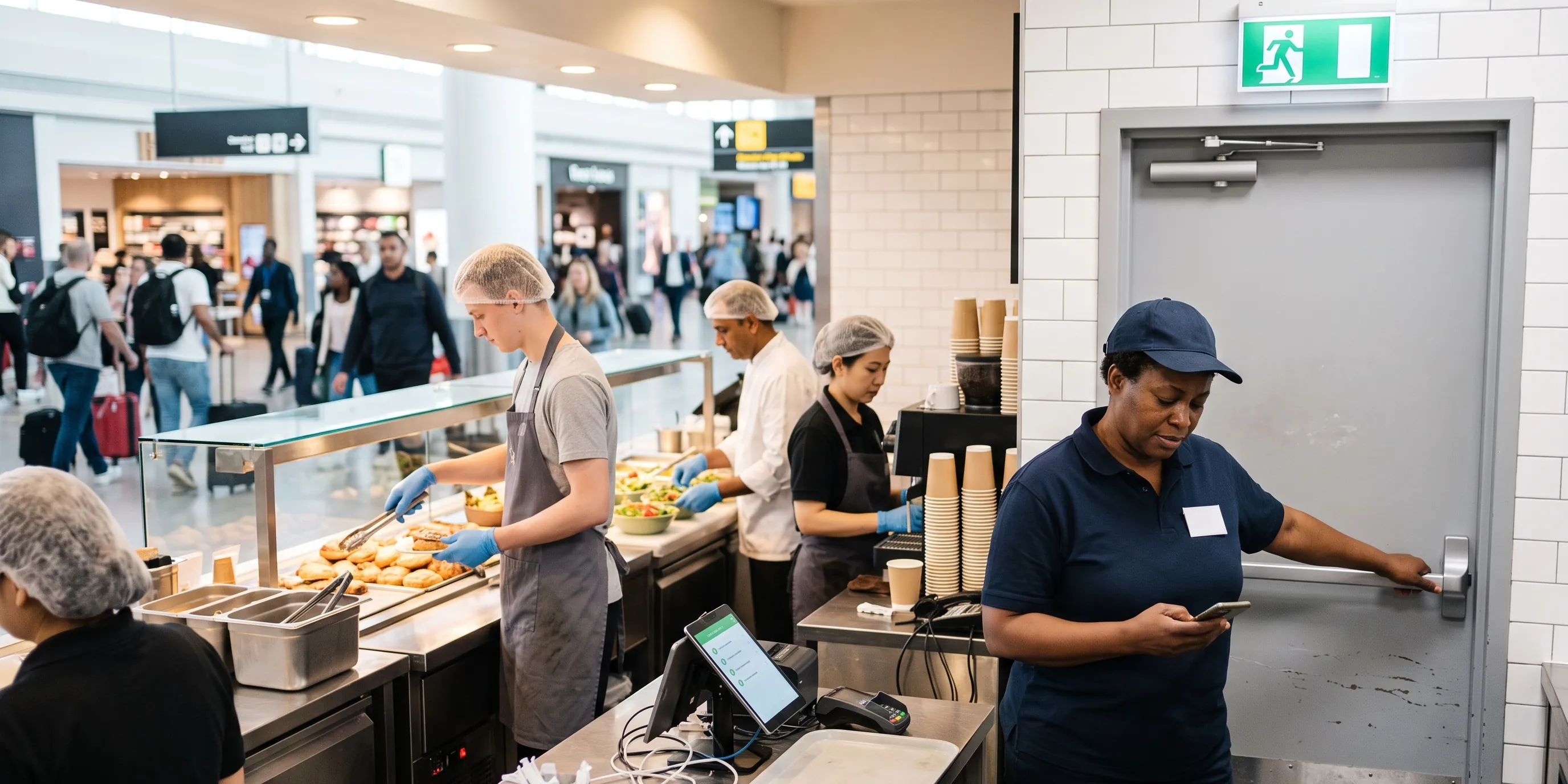
Health and safety as part of the daily routine
Fire safety, first aid, and equipment checks follow the same logic as HACCP. Planned, documented, and visible across all sites.
How does flowtify support health and safety at site level?
flowtify is a digital quality assurance platform that food service, contract catering, and retail operators also use to plan, carry out, and evidence site-based health and safety checks, also known as occupational health and safety or EHS. Typical examples are fire safety, first aid, work equipment, hazardous substances, water hygiene, and the closing round.
In many countries, health and safety is a responsibility of its own, with its own targets. On site, food safety and health and safety still land with the same people: shift leads, site managers, area managers.
Health and safety checks run like any other self-monitoring task (also known as self-checks or own-checks): each company defines content, frequency, and responsibility itself. Deviations trigger actions, and if a deadline is missed, the next responsible role is alerted.
Customers already use flowtify for this in different ways, for example for the closing round, the first aid check, or the fire safety walk.
Which health and safety checks do customers run in flowtify?
The following examples show typical use cases from practice. Which checks a company runs, how often, and by whom, it defines itself.
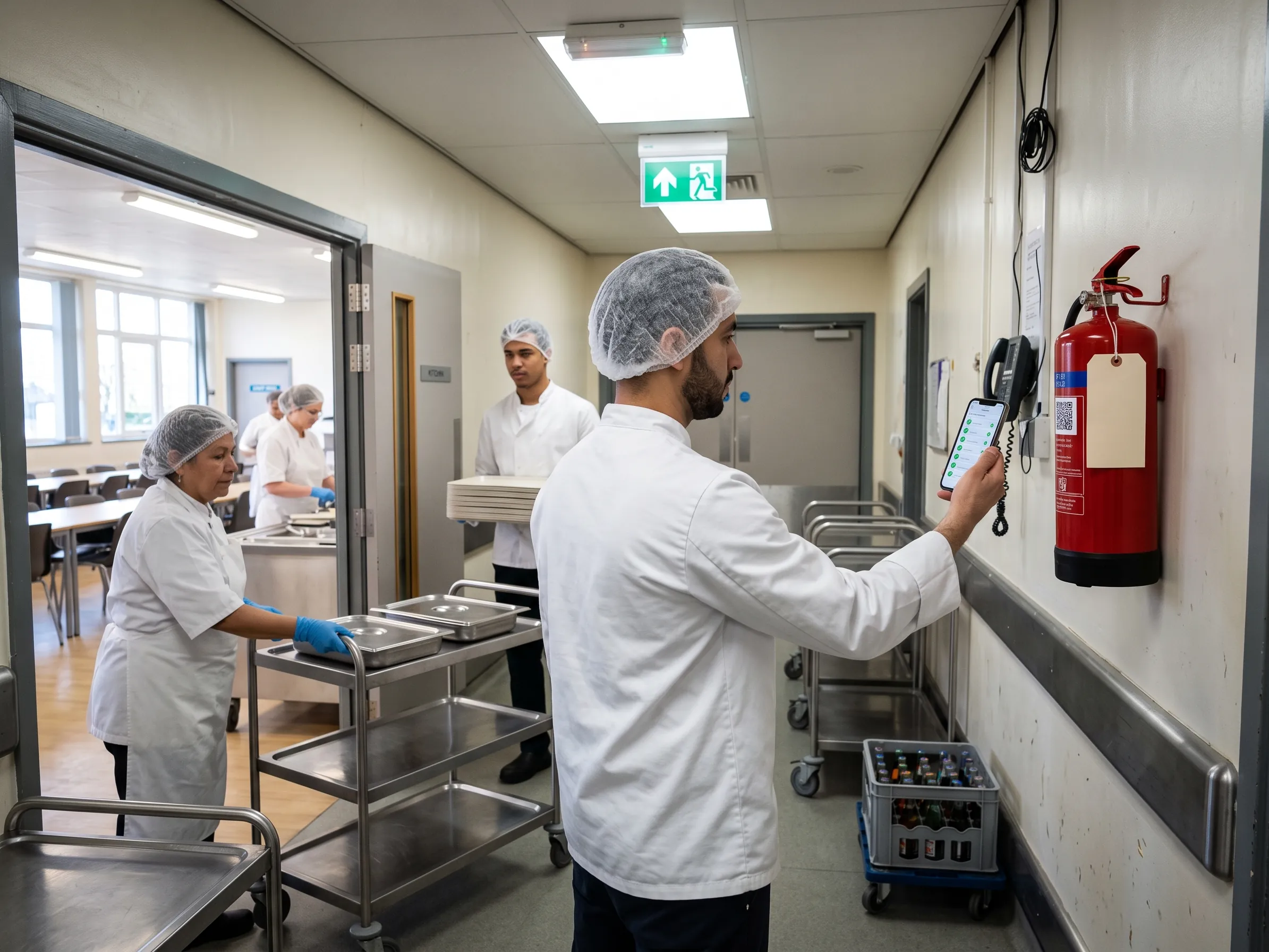
Fire safety and escape routes
Teams check that escape routes are clear, emergency lighting works, and extinguishers are in place, for example before every opening. A QR code on the device proves that the check really took place on site.
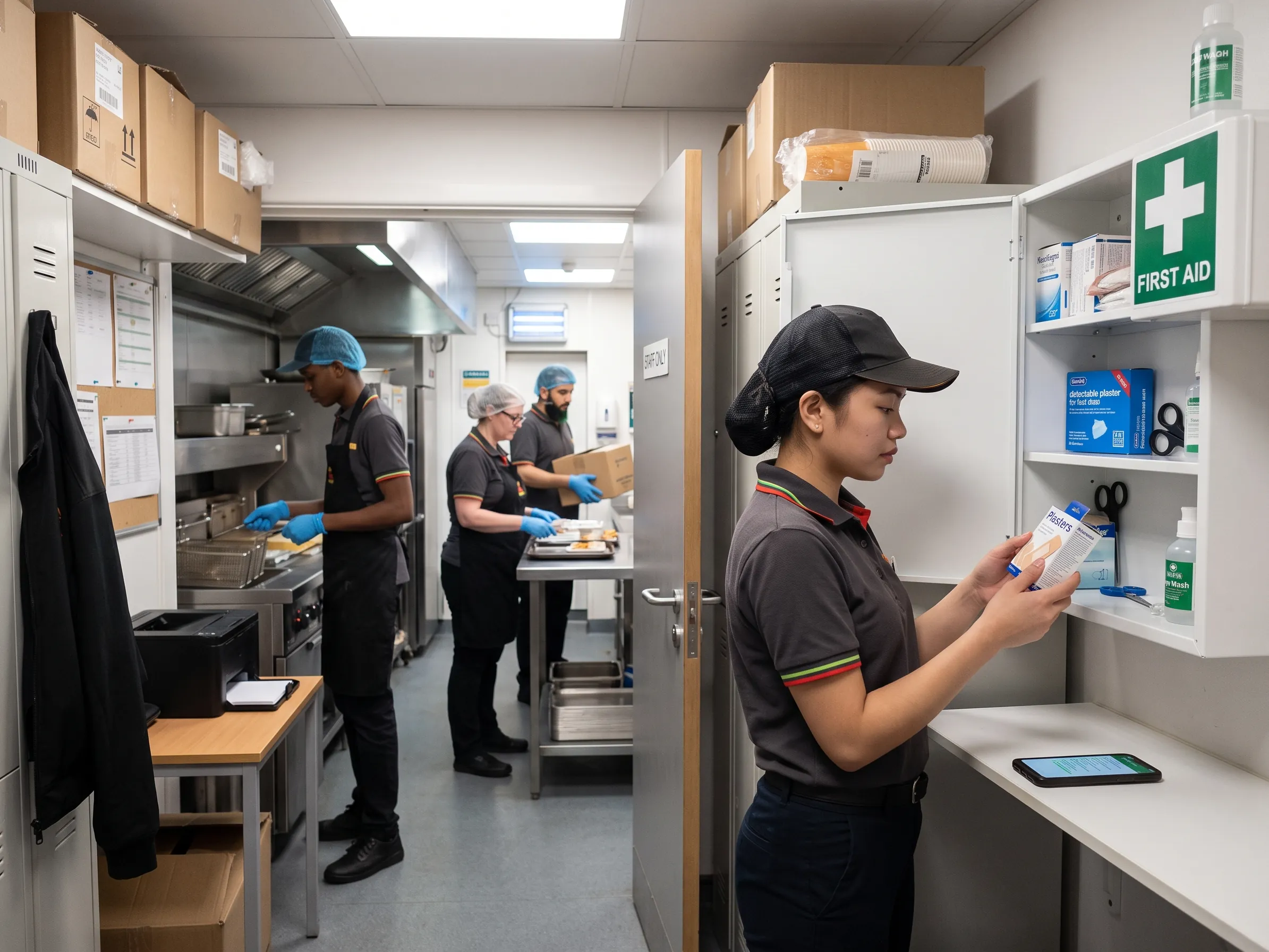
First aid
Teams check that the first aid kit is complete, the eyewash is within date, and the first aider notice is up to date. If something is missing, an action is created right away.
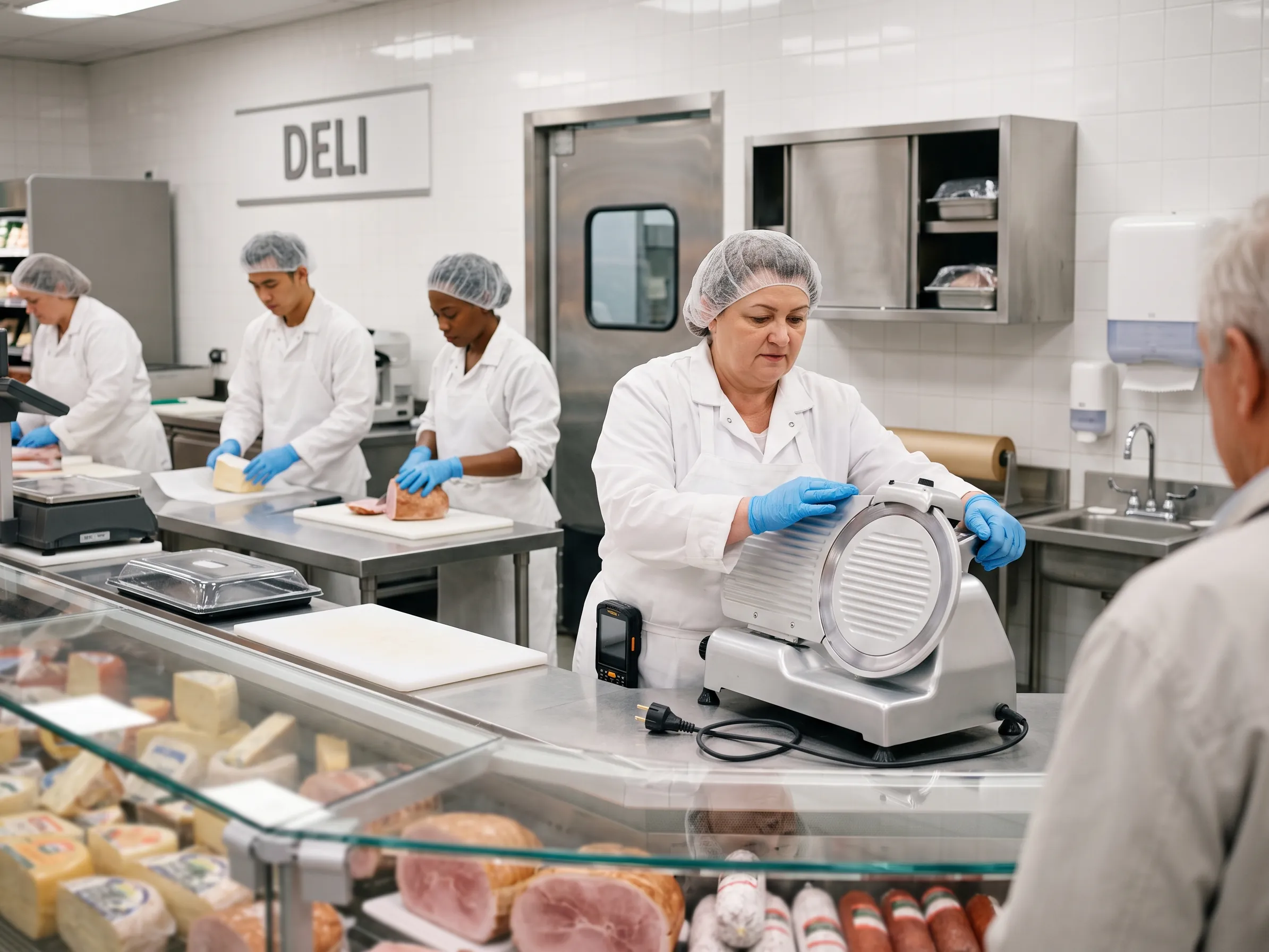
Work equipment
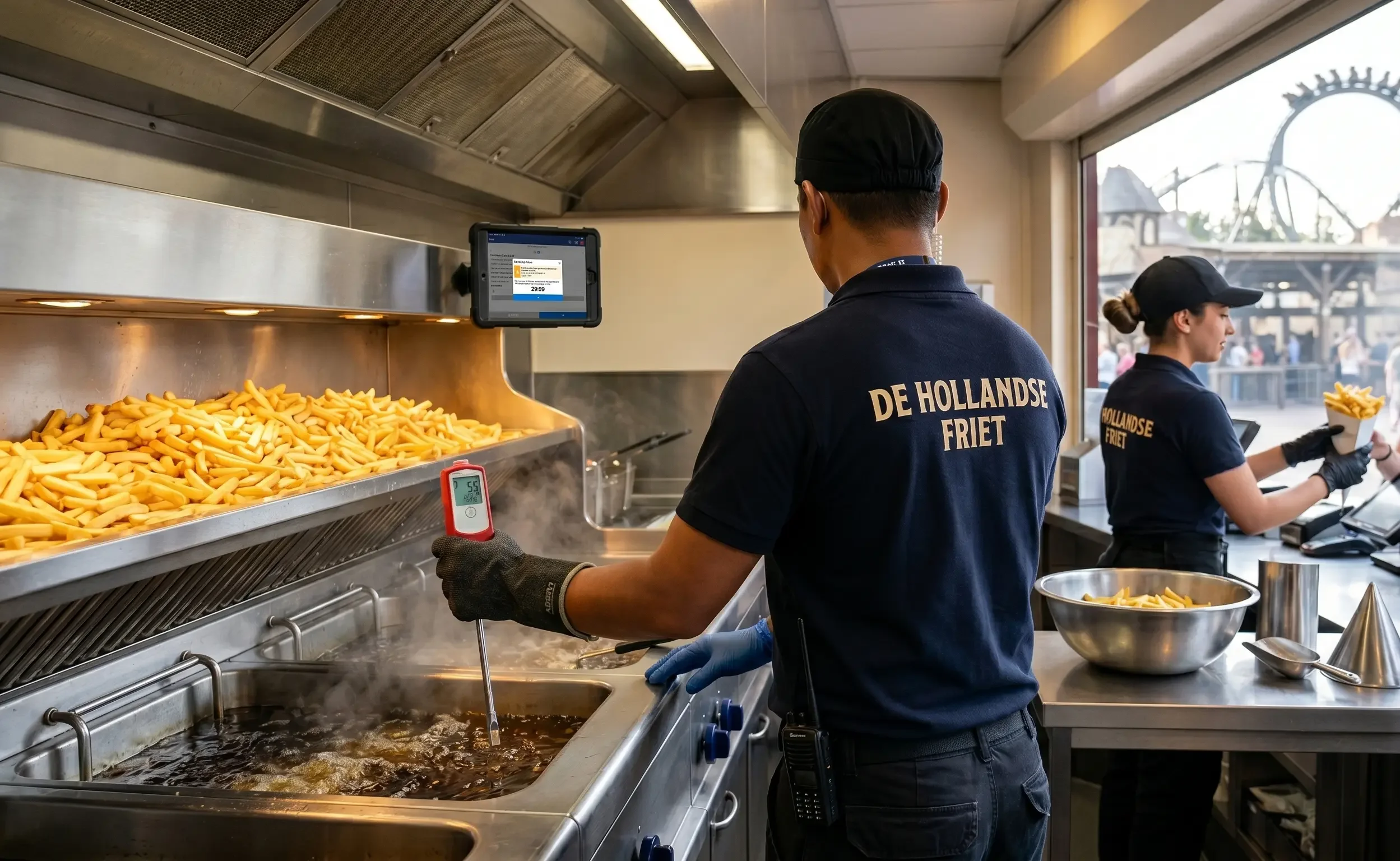
Examples include guards on slicers, ladders and step stools, fryers, or gas appliances. A defect goes to the responsible team with a deadline, such as facility maintenance.
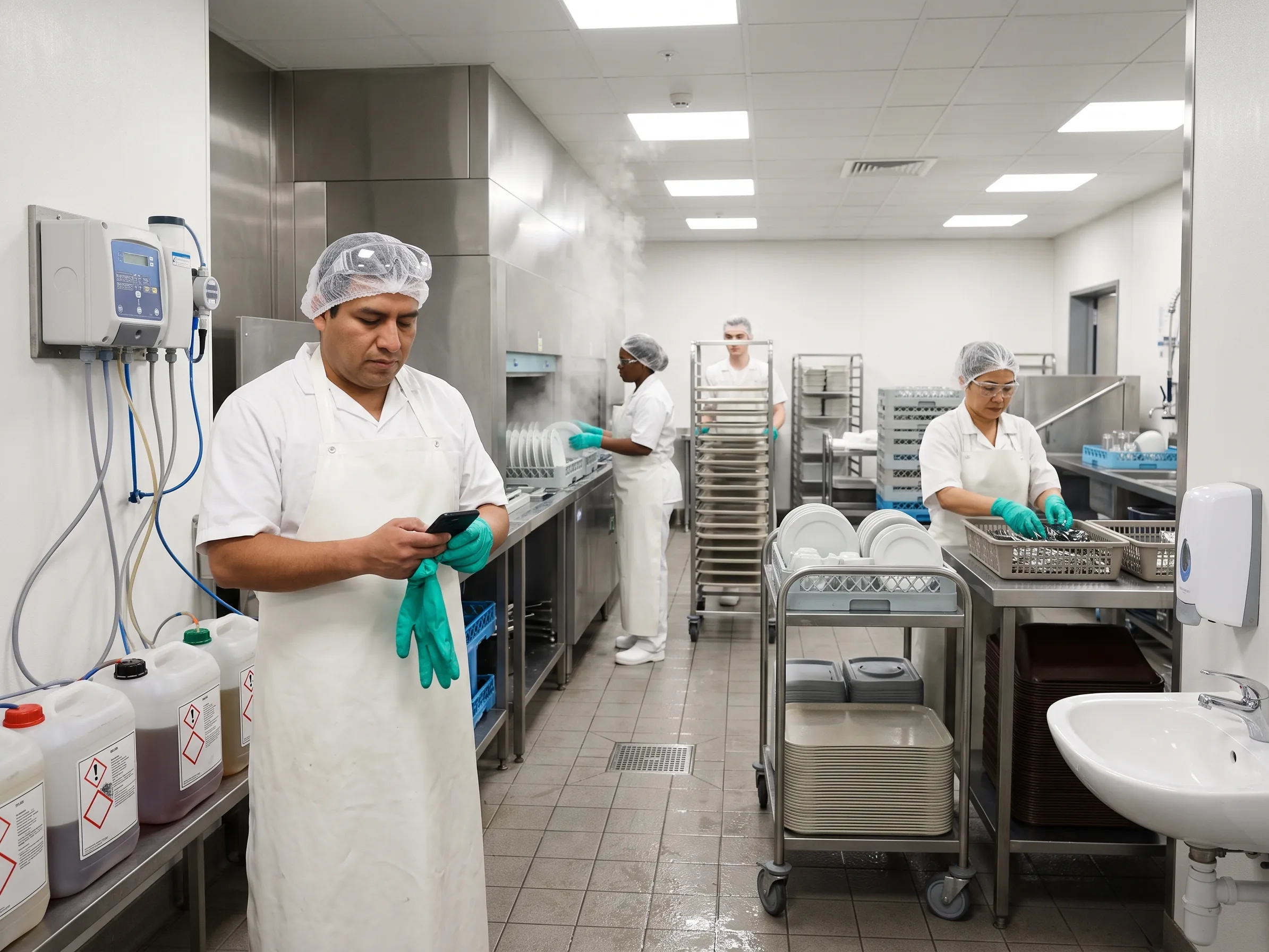
Hazardous substances and cleaning chemicals
Safety data sheets are at hand in the app. Checks can cover dosing systems, storage separate from food, and available protective equipment.
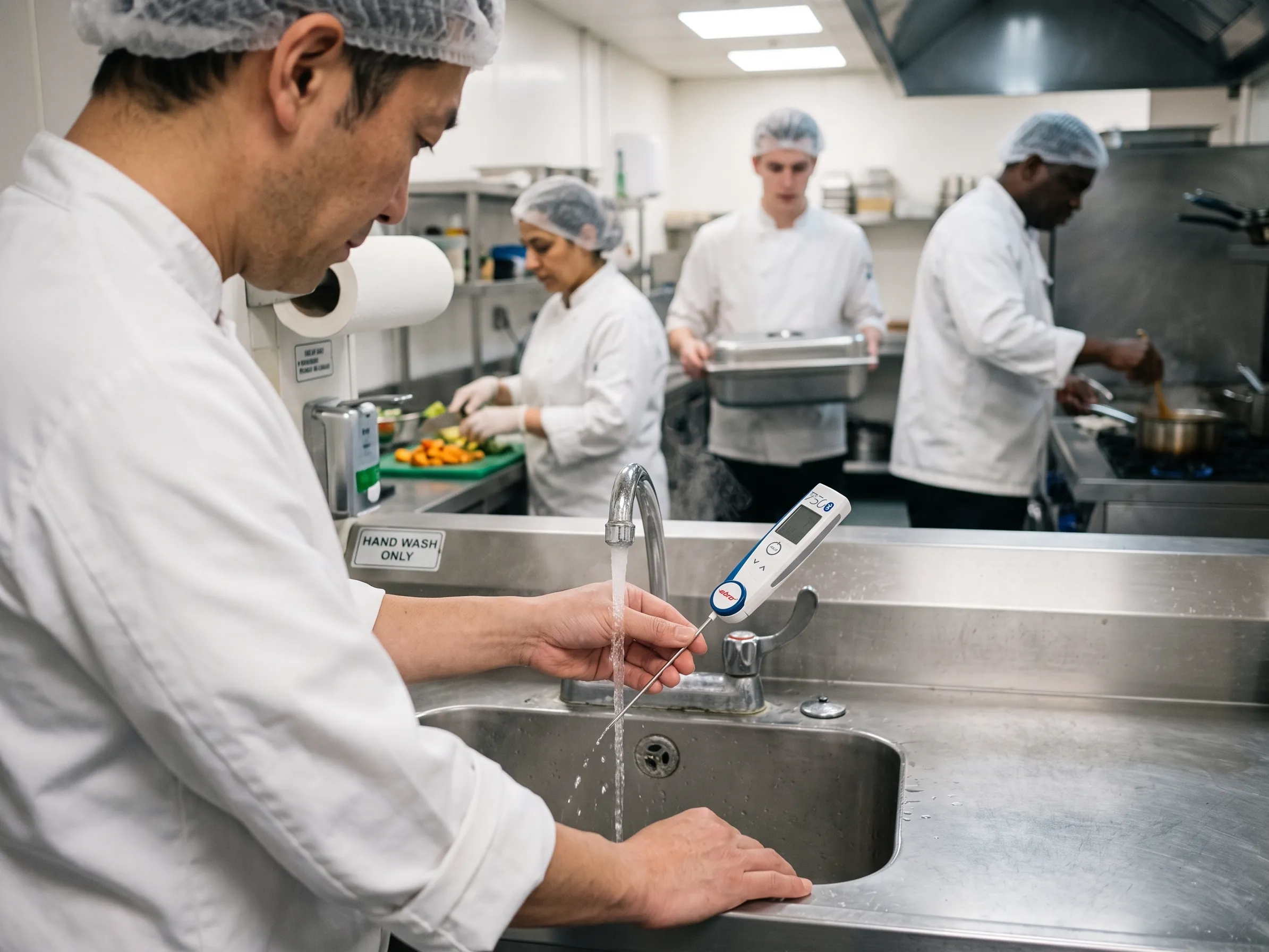
Water hygiene
To protect against legionella, teams record hot water temperatures at outlets and document the flushing of rarely used pipes.
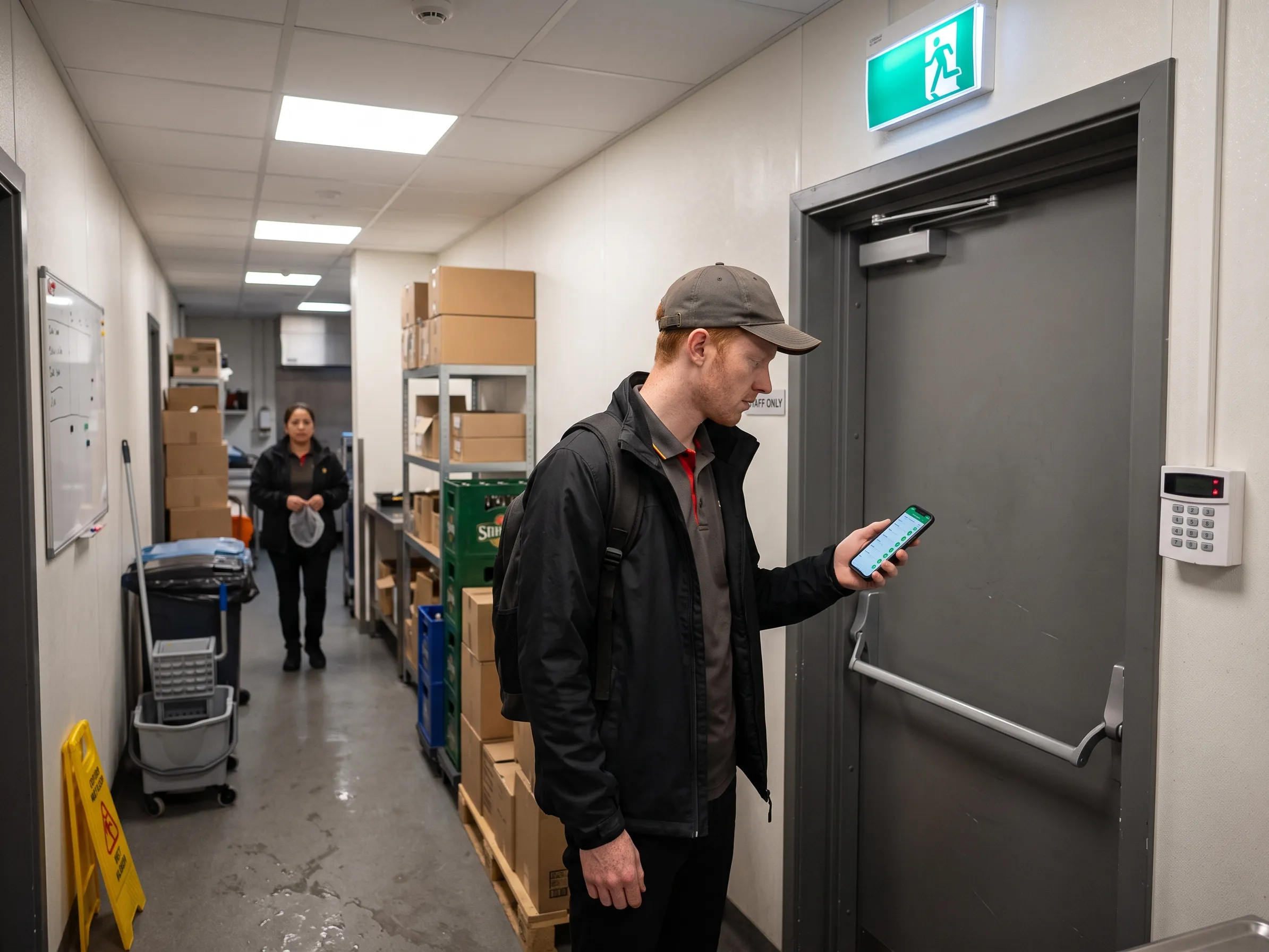
Security and closing round
A digital closing round confirms, for example, locked back doors, an armed alarm, and a secured safe.
In flowtify, one checklist can be opened to all employees: “Report a hazard”. Anyone who spots a trip hazard, a faulty device, or a blocked escape route reports it with a photo. The report contains no personal details and goes to the people responsible as an action.
What other checks can flowtify cover?
The platform provides the framework, each company defines the content. That is why many checks in practice come from a company's own environment: counting knives and tools in an airport's security area, checking incoming deliveries, or requirements added by a client.
Additional requirements can be kept as separate checklists or question catalogues. External partners such as a client see exactly the results that concern them with flowtify SUPERVISION.
How do safety audits work in flowtify AUDIT?
Fire safety walks, safety audits by area managers, or spot checks on age-restricted sales can run as audits, at whatever frequency the company sets.
KO criteria, such as a blocked emergency exit, can be combined with other scoring in the same question catalogue. Every finding gets an owner and a deadline.
The site comparison shows where findings recur and where prevention pays off.
What do we not recommend flowtify for in health and safety?
We do not recommend flowtify for accident reports, employee health information, or incidents involving people. In many countries, such data is specially protected, for example by the GDPR in the EU.
Regardless of the country, there is a technical reason: in flowtify, everyone with access to a checklist sees its results in full, in the app, the dashboard, and reports. An accident report usually needs the opposite: everyone should be able to report, but only a few should be able to read. That is why many companies use dedicated systems for accident reporting, risk registers, or training records, which flowtify complements in daily operations.

Bring health and safety into the daily routine
A short conversation shows which checks at your sites can sensibly run digitally.